Choose the picture.
Click Choose a picture, or drag a file straight onto the box. JPEG, PNG and WebP all work.
Pick a photo and we convert it to grayscale straight away. The conversion runs inside your browser, so your file never reaches a server. It is free to use as often as you like.
or drag one onto this box
JPEG, PNG and WebP all work.
That file is not an image your browser can open. Try a JPEG, PNG or WebP.
Click Choose a picture, or drag a file straight onto the box. JPEG, PNG and WebP all work.
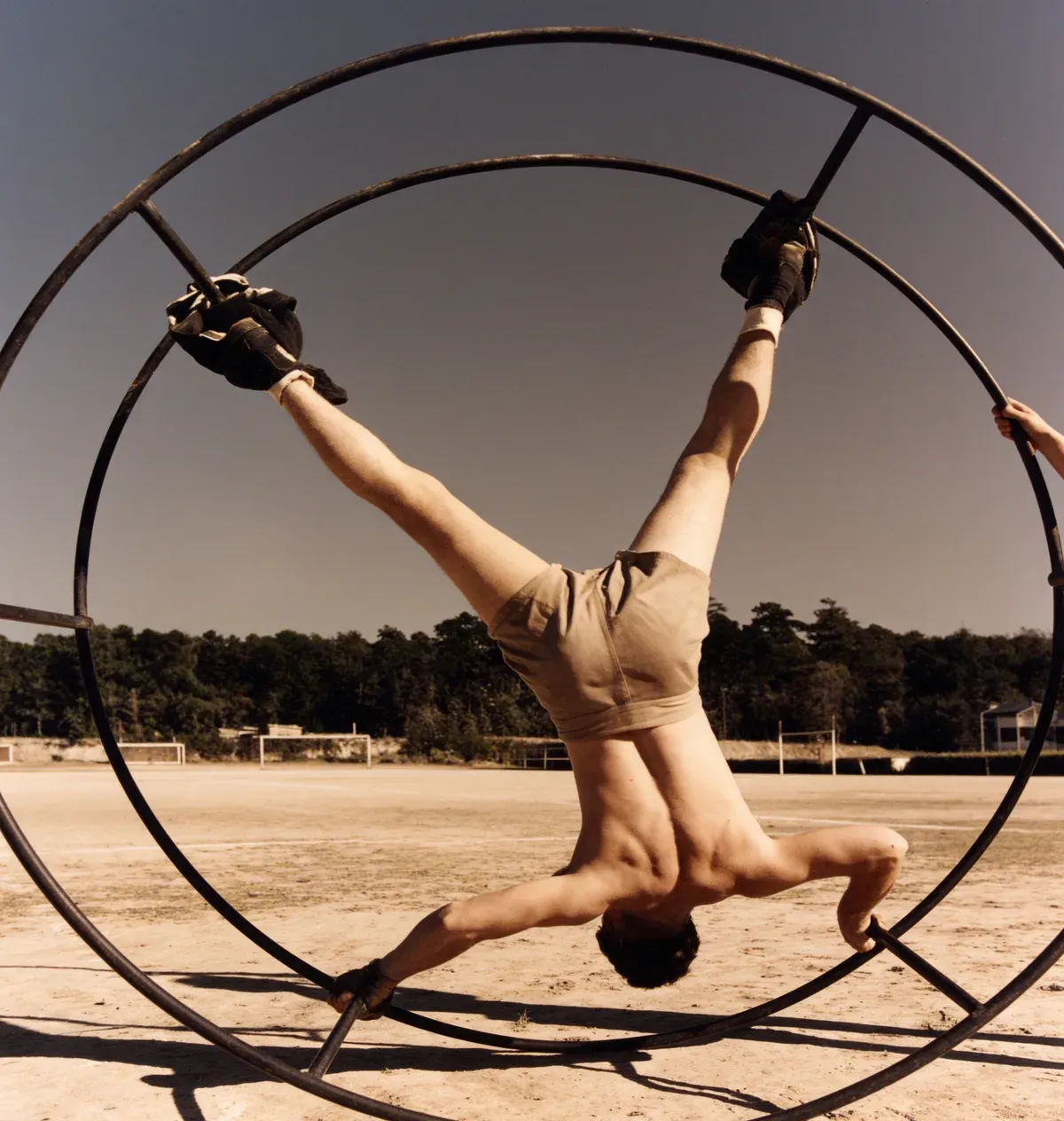
The grayscale version appears as soon as the file loads, next to the original so you can compare the two.
The download comes back in the format you started with, at the same pixel size.
Grayscale an image here and the pixel dimensions stay the same. Nothing gets resized, so a 4000 pixel wide photo is saved 4000 pixels wide. JPEG and WebP files are re-encoded when saved, so file size and fine compression detail can change. PNG is encoded losslessly.
Every pixel in a color photo has red, green and blue values. The converter calculates grayscale from roughly 21 percent red, 72 percent green and 7 percent blue. These Rec. 709 weights approximate perceived brightness more closely than averaging the three channels equally.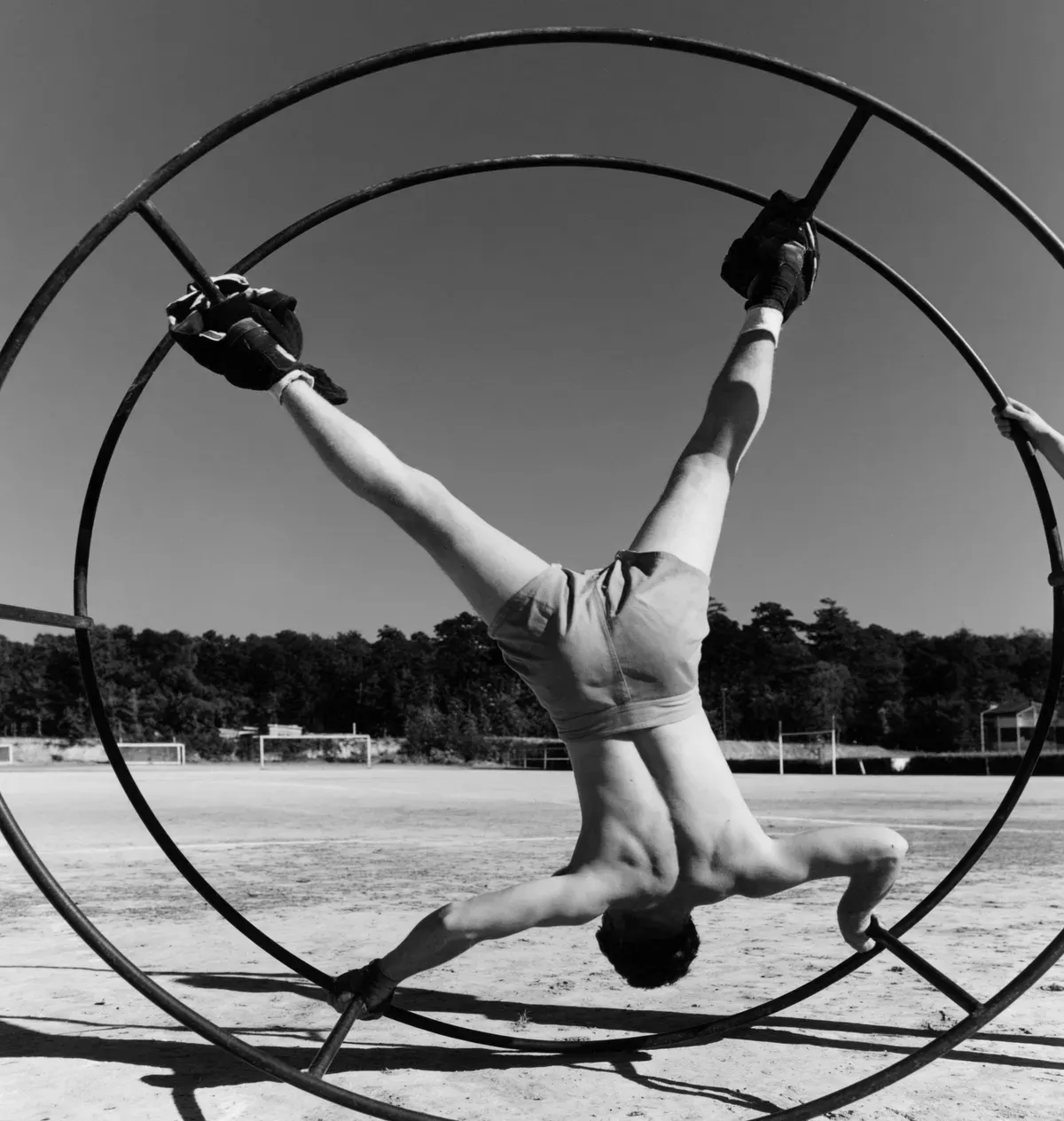 Grayscale
 Color
Color
At 100 the color is gone. Pull Strength back and some of it stays, which suits a portrait: skin keeps a little warmth. Set it wherever it looks right before you save.
If you are holding an old black and white print, the useful direction is the opposite one. PicFix uses an AI model to add color to black and white photographs. The model runs on PicFix servers, and you see the finished result before payment.
Colorize a black and white photoChoose your picture on this page and the grayscale version appears right away, then click save. It runs inside your browser, so the photo stays on your own device.
Yes. There is no signup or usage limit; conversion runs locally in your browser.
No. The image file and its pixel data stay in your browser while the conversion runs.
Most people use them to mean the same thing. Grayscale keeps the full range of grays between black and white, and a true black and white image has only two tones. You get grayscale here.
Yes. The page works in mobile browsers, and you can pick a photo straight from your camera roll.
Pick a file and it converts as it loads.