Black and white image converter
Drop in a color image and get the black and white version back. The converter runs inside this page, so your file stays on your computer. No account is required.
or drag one onto this box
JPEG, PNG and WebP. The saved file comes back in the format you loaded.
That file is not an image your browser can open. Try a JPEG, PNG or WebP.
Color to black and white image converter
The tool works with JPEG, PNG and WebP files, including phone photos, screenshots, document scans and artwork. It calculates a grayscale value for every pixel and saves the result at the original pixel dimensions. Larger images take longer to process.
How the conversion works
Human vision is more sensitive to green than blue, so the converter weights red, green and blue at roughly 21, 72 and 7 percent instead of averaging them equally. These Rec. 709 weights approximate perceived brightness more closely.
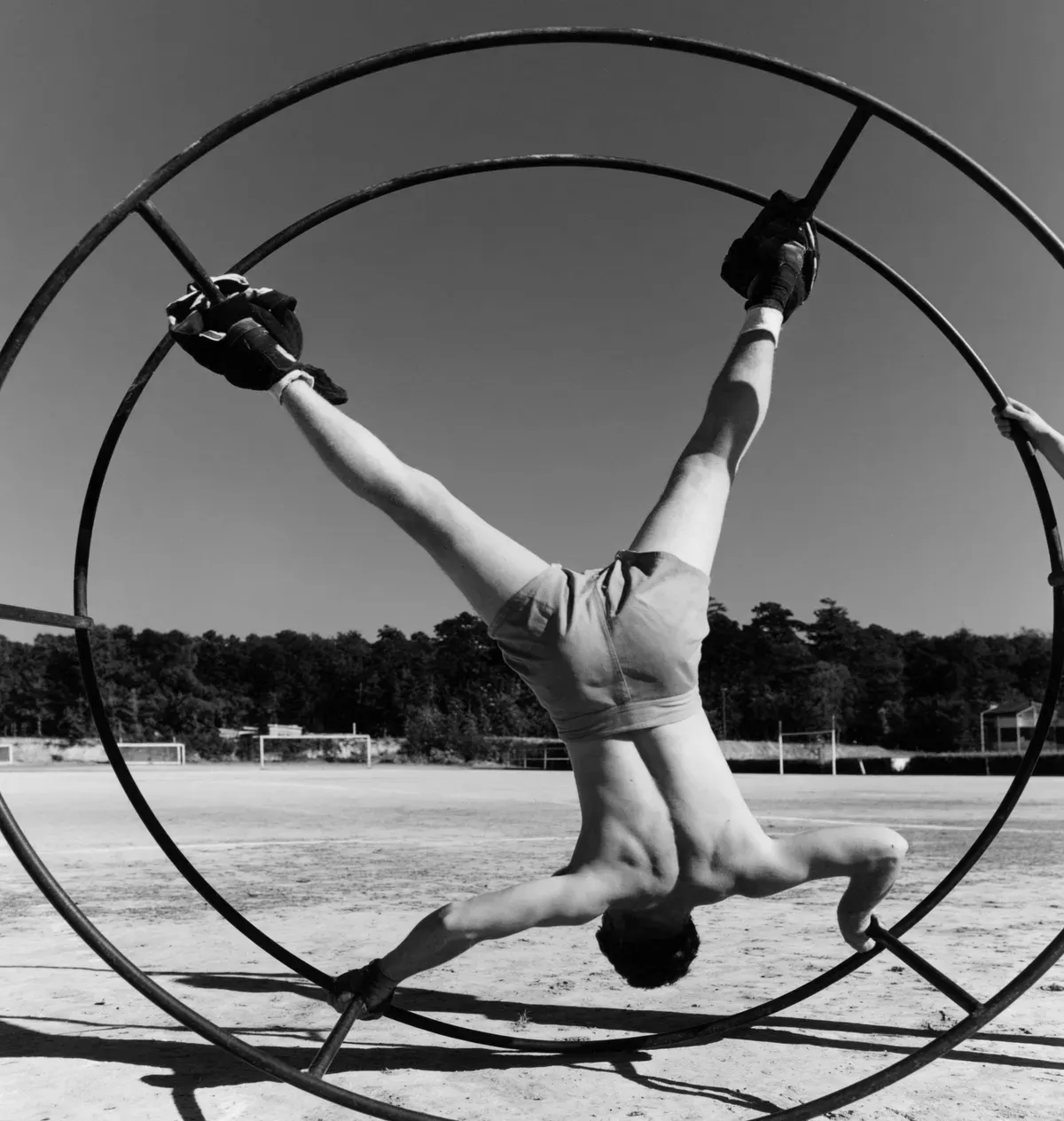 Black and white
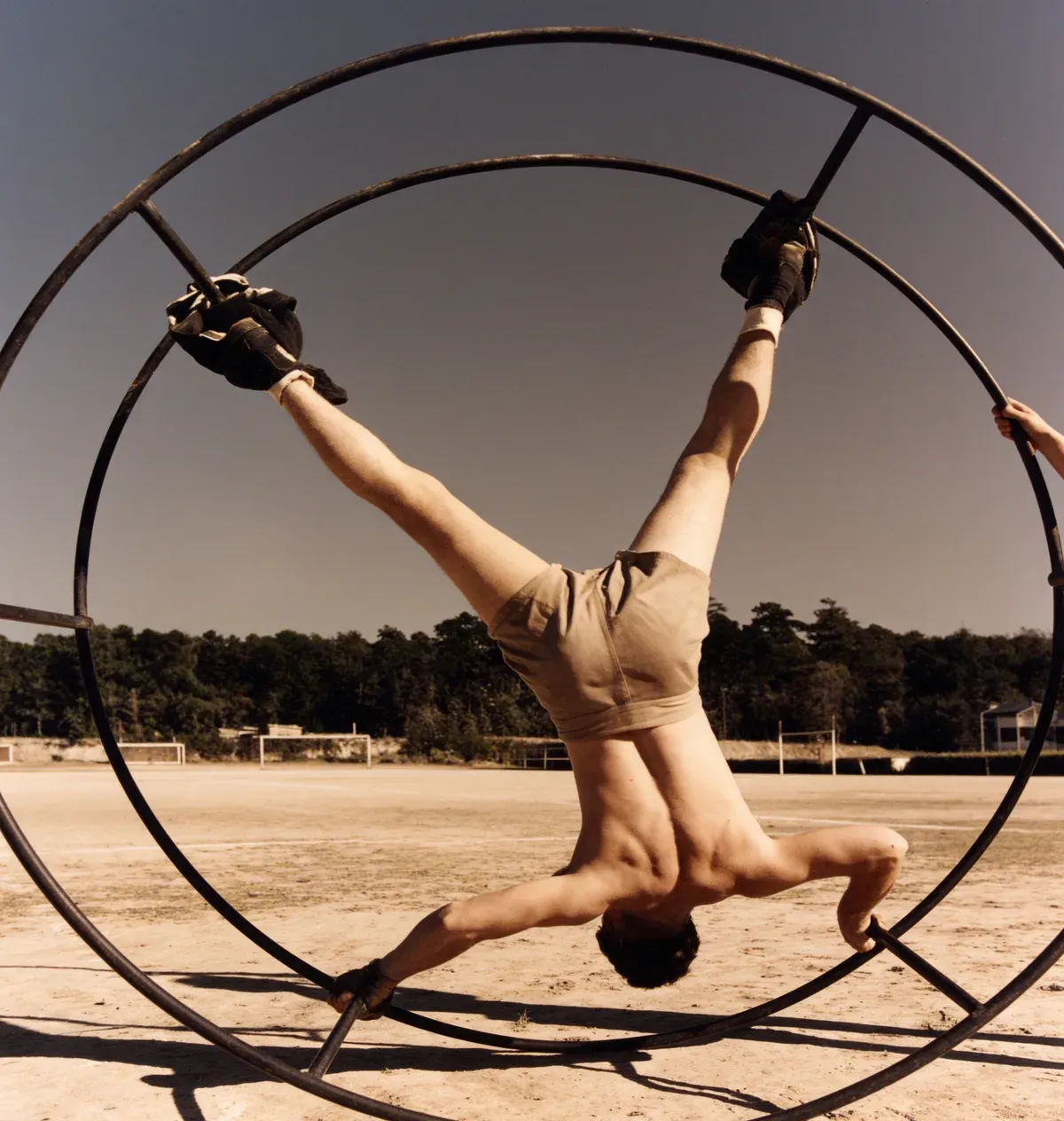 Color
ColorConverting part of the way
The Strength slider stops the conversion short of the full distance. At 60 percent an image keeps a wash of its original color, which suits portraits and food. Move it and the preview updates as you go.
Converting several images
The converter handles one image at a time. For a batch, convert and save each one in turn. Each image is processed locally, with no upload or processing queue.
Adding color instead
Adding color to a black and white photograph requires estimating likely colors from its content. PicFix uses an AI model for that process and shows you the finished result before payment.
Colorize a black and white photoFrequently asked questions
How do I convert a color image to black and white?
Pick your image on this page. The black and white version appears next to it straight away, and you save it with one click.
Will converting change my image size?
No. The output has the same pixel dimensions as the input, and it comes back in the format you loaded.
What file types can I convert?
JPEG, PNG and WebP. The saved file comes back in the format you loaded.
Is the black and white image converter free?
Yes. There is no signup or usage limit; conversion runs locally in your browser.
Can I convert an image to black and white on my phone?
Yes. The page works in mobile browsers and can read photos straight from your camera roll.
Convert your first image
Pick a file and the black and white version appears right away.