Restore old photos in one tap
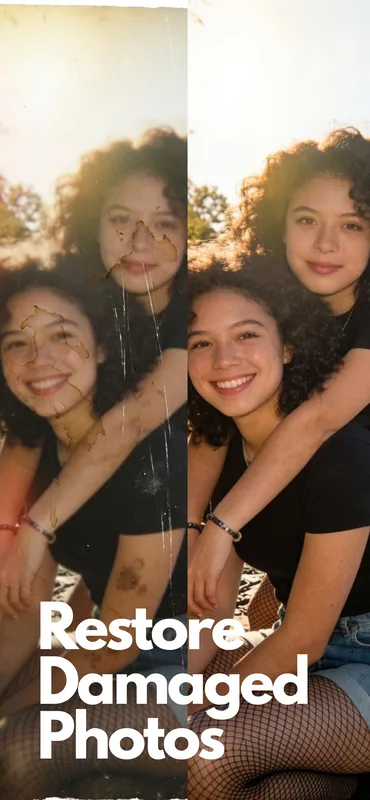
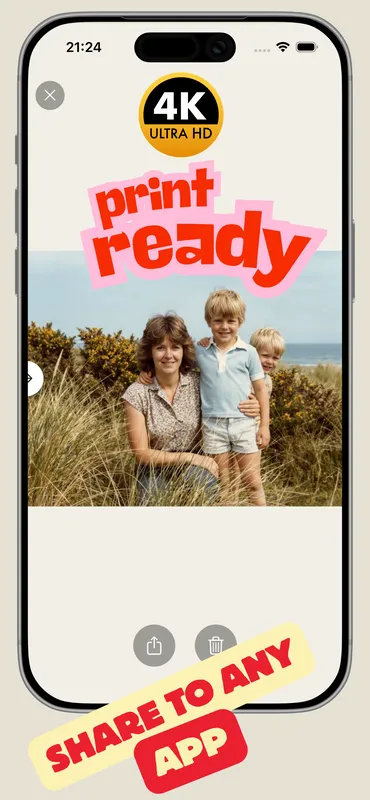
Fix Photo runs a full restoration of your old photo: scratches cleared, sharpness restored, faded lighting corrected, and upscaled to a crisp, high-resolution image. Original colors are kept exactly as they were.
PicFix brings faded, scratched, and torn family photos back to life. One tap restores an old photo. One more adds natural color to black and white. Built for iPhone and Mac.
 After
After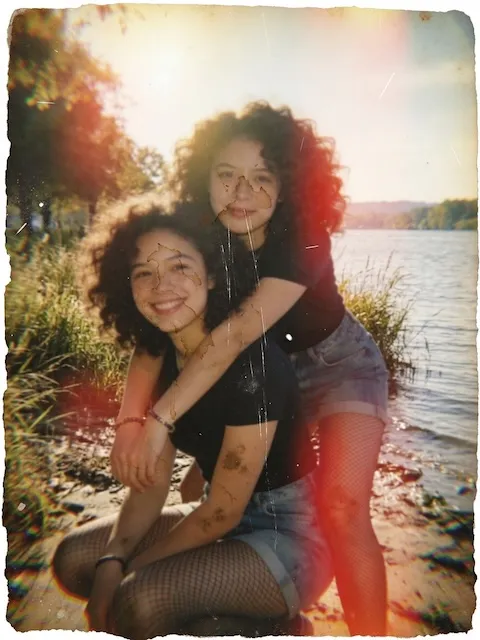 Before
No sliders to fiddle with. No editing skills required. Pick an old photo, tap once, and the restored version is ready in seconds.
Fix Photo runs a full restoration of your old photo: scratches cleared, sharpness restored, faded lighting corrected, and upscaled to a crisp, high-resolution image. Original colors are kept exactly as they were.
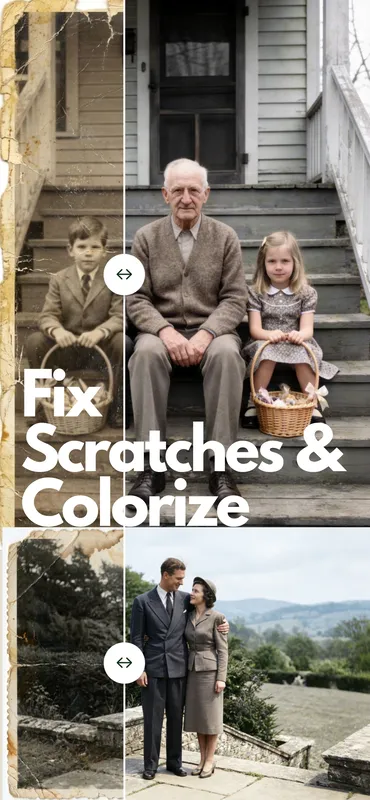
Fix & Colorize restores the old photo and then adds natural, lifelike color to black and white and faded pictures. The difference between looking at history and feeling like you were there.
Most old photos are not neat digital files. They are snapshots of framed prints or scans that came out crooked. Pinch, rotate, and drag to frame the exact part of the old photo you want fixed, and the result comes out straight and clean.
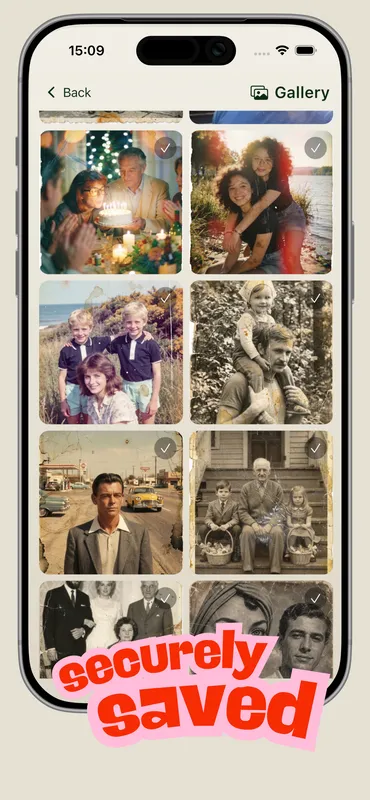
Every restored old photo opens with a before and after slider. Drag it to watch the original turn into the restored version. Save it, share it with family, or rate it. Every old photo you restore stays in your gallery.
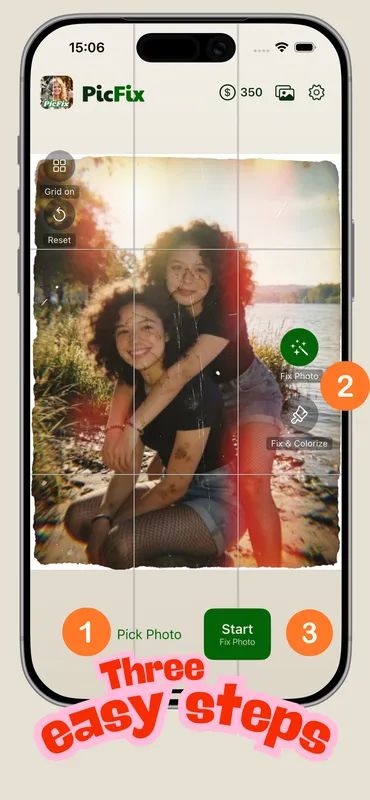
The shortest path from a faded snapshot to a restored photo you can share. Same on iPhone and Mac.
Choose from your camera roll, or photograph an old print right from PicFix. Even a phone snap of a framed photo works.
Pinch, rotate, and drag inside the preview to align the old photo. Skip this step entirely if it is already a tidy scan.
Pick Fix Photo or Fix & Colorize. A few seconds later, the restored old photo appears. Drag the slider to compare.
Tall portraits, square prints, wide group shots, crooked scans. PicFix restores them all. Drag any slider to compare.
After
Before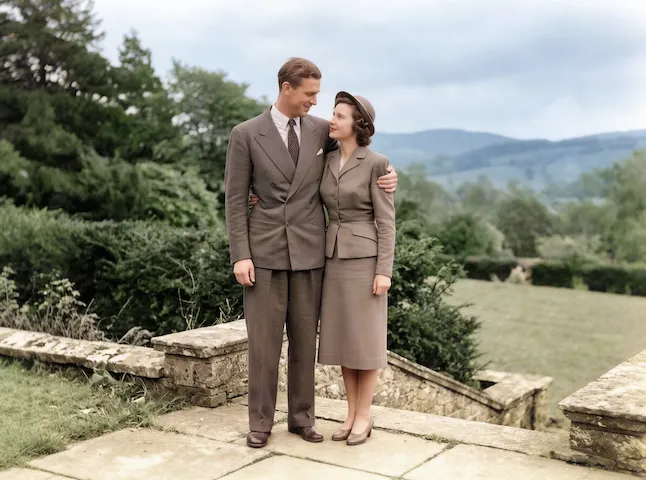 After
After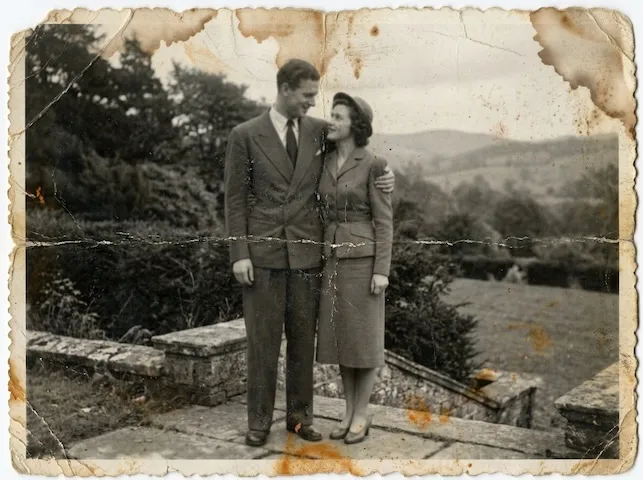 Before
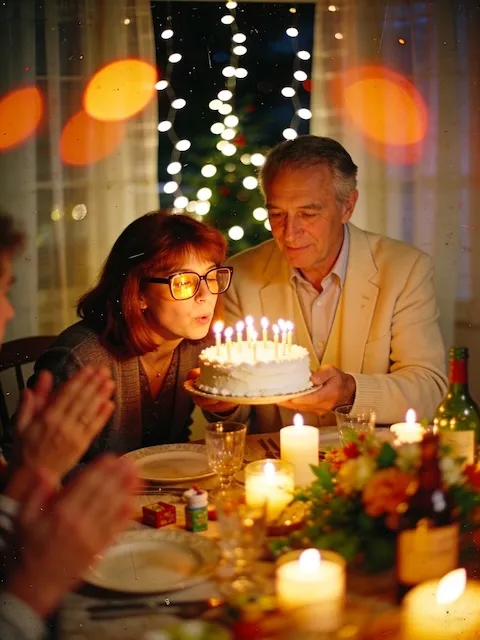 After
After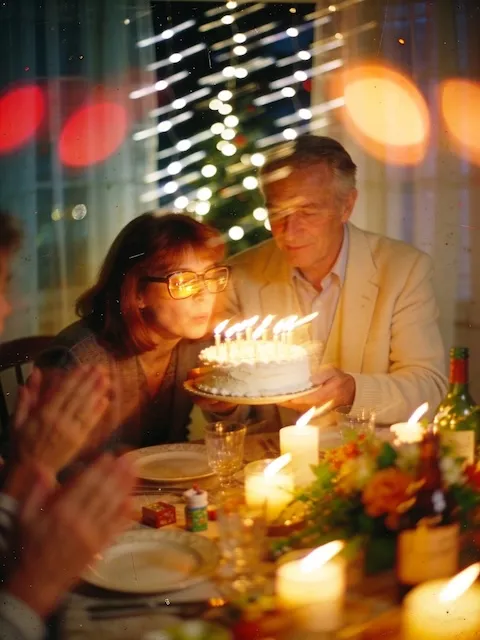 Before
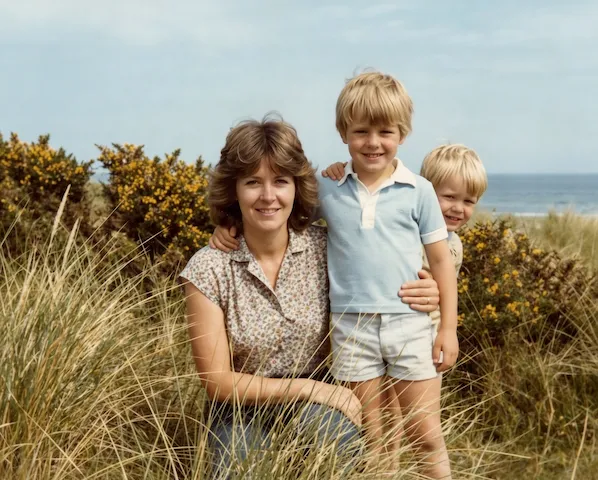 After
After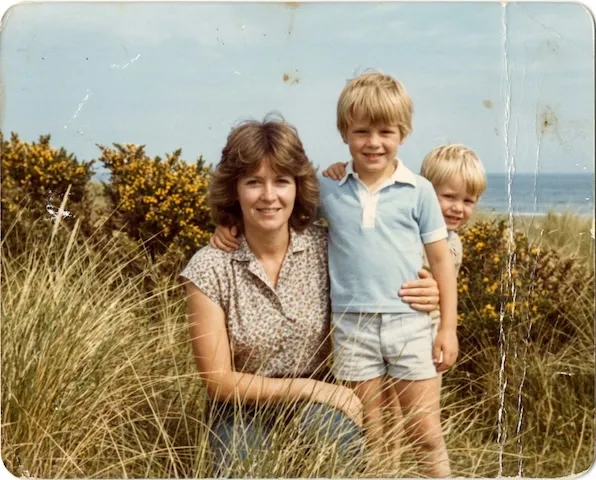 Before
A clean, Cupertino-native app focused on one job: restoring old photos beautifully.
Anything from a scratched wedding portrait to a faded childhood snapshot to a black and white print of a great-grandparent. PicFix restores old photos that are damaged, blurry, faded, underexposed, or yellowed with age. It also handles phone photos of framed prints and uneven scans.
Yes. Pick Fix & Colorize and PicFix will restore the old photo and then add natural color. If you would rather keep the original black and white tone and only repair damage, use Fix Photo instead.
Never. PicFix always keeps your original photo intact. Every restoration is saved as a new image you can compare side by side with the original using the built-in before and after slider.
Photos you submit to PicFix are processed on our servers so the AI can restore them, then deleted shortly after. We do not train models on your photos and we do not share them with third parties. See our privacy policy for the full detail.
PicFix is free to download and includes free restorations so you can try it on a real old photo before deciding. Beyond that, restorations are available through credit packs and optional subscriptions. Pricing is handled through the App Store.
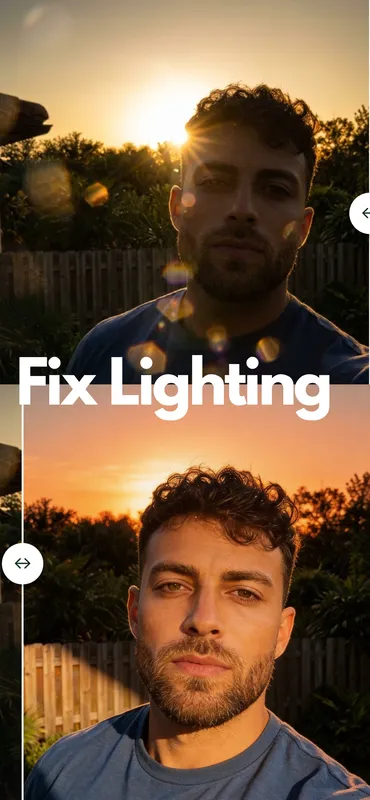
Filters change the look of a photo. PicFix actually restores old photos: it repairs physical damage, sharpens detail that was lost, corrects fading and underexposure, and can add color to monochrome. The result is the photograph as it was meant to be seen, not a stylized version of it.
Download PicFix and restore your first old photo in under a minute.
Download on the App Store